Visuals for the live moment
I create motion and imagery for live music, performances, and events. The work starts with the sound and the space, then becomes content and cues that can hold up in the room.
Motion / Screens / Performance
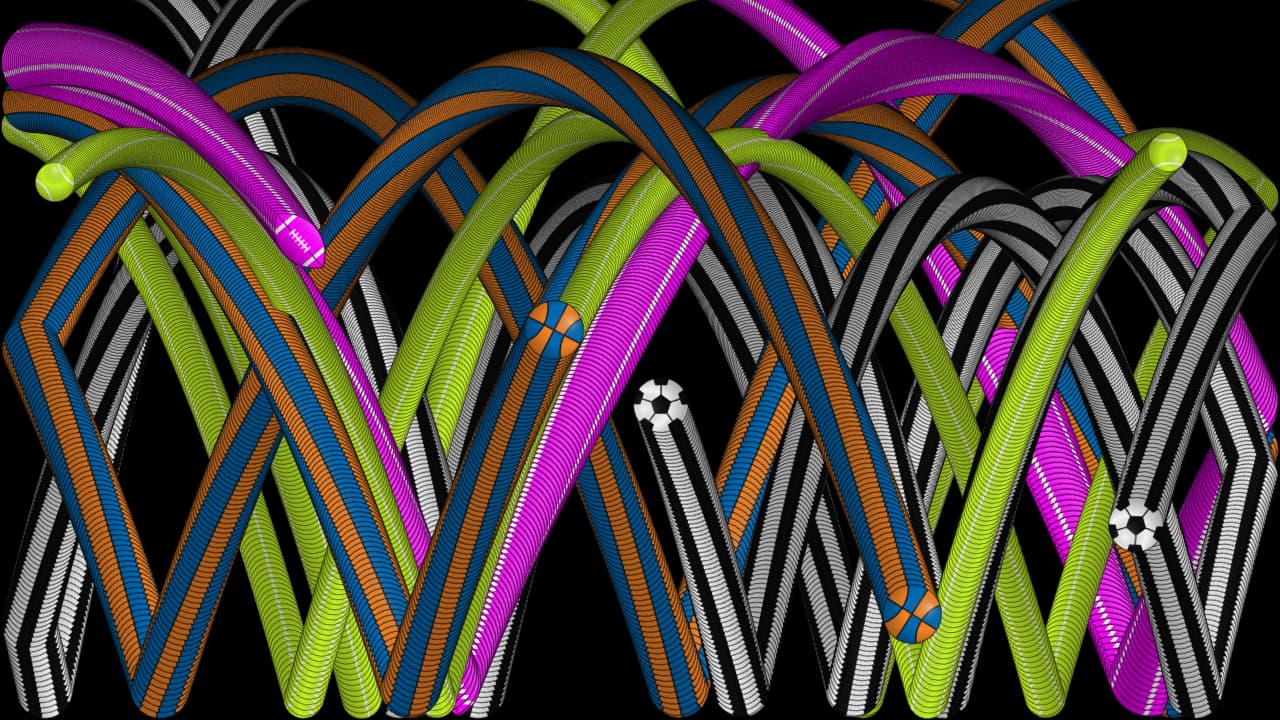
The offering / 01
Built for the actual show
Concerts, performances, and events each ask something different of a screen. The visuals should have a point of view and a way to work on site.
- 01
Visual direction
A palette, pace, and set of visual ideas that belong to the music, performance, and space.
References · frames · motion studies - 02
Screen content
Loops, transitions, and distinct moments made for the display format, sightlines, and length of the show.
LED walls · projection · venue screens - 03
Playback and cues
Files and a cue plan that fit the run of show, with a clear way for the production team to operate them.
Cue sheets · playback files · handoff
Related work / SocceriaTV
A wall that stays alive
At Socceria, I built a programmable display system for the venue's LED wall and window. Its rotation moves through art, textures, video, live information, and self-playing games, with 17 modes that can be scheduled or changed in the room.
That work shows the practical side of visual systems: content has to fit the display, run reliably, and be easy for the people in the space to control.
See the SocceriaTV work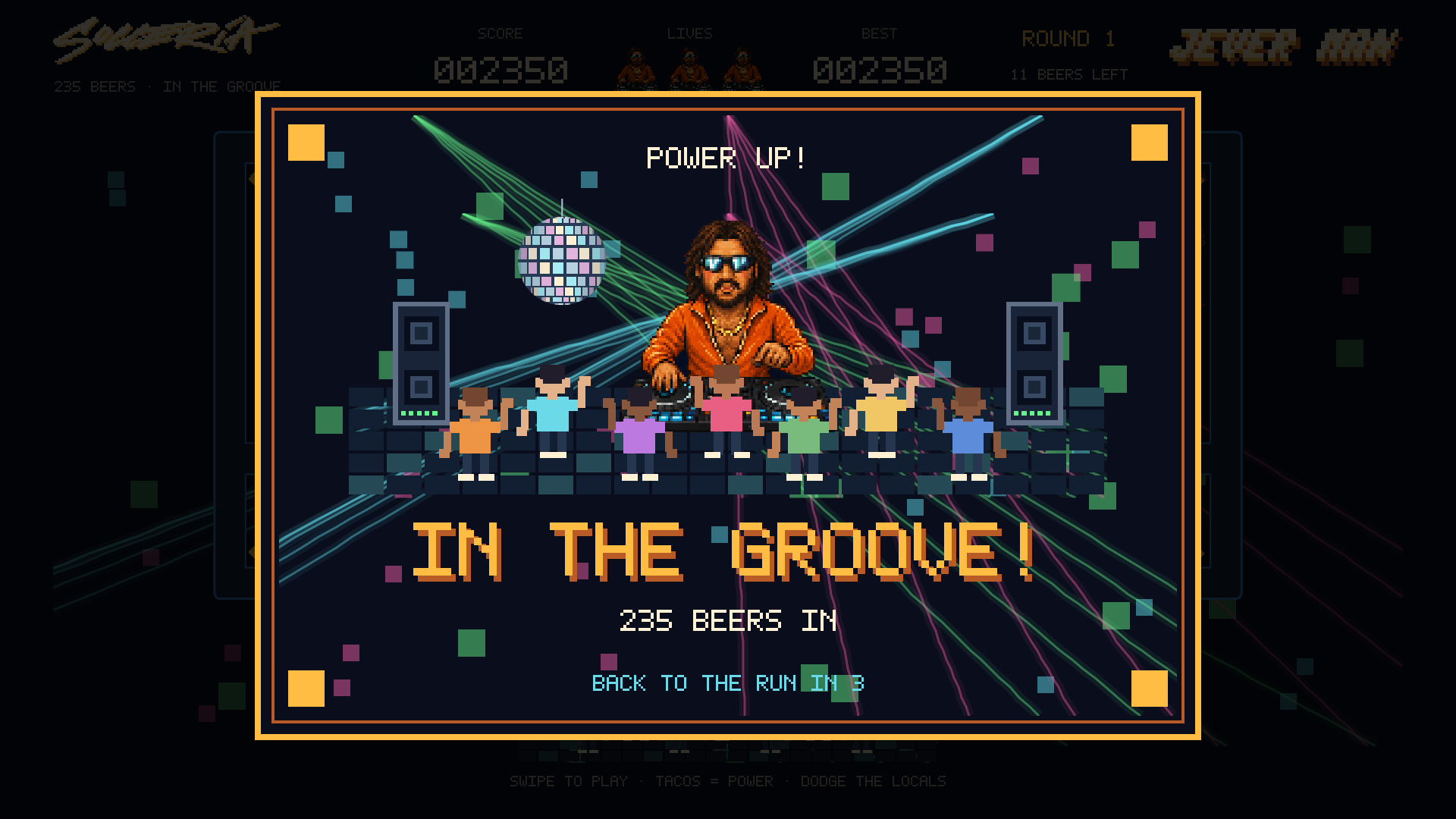
The approach / 02
From first frame to show cue
- 01
Read the room
Start with the performance, the venue, the audience, and the screens or projection already in the plan.
- 02
Find the visual language
Make a small set of studies, agree on the direction, then build the moments the show needs.
- 03
Make it playable
Prepare the right formats and cues, check them on the actual system when possible, and hand over a usable package.
Start a conversation
Tell me about the show
A date, venue, rough run of show, music or performance references, and any screen or projection specs are enough to start. I'll suggest a useful first scope.
Email hello@johnhilmes.com